
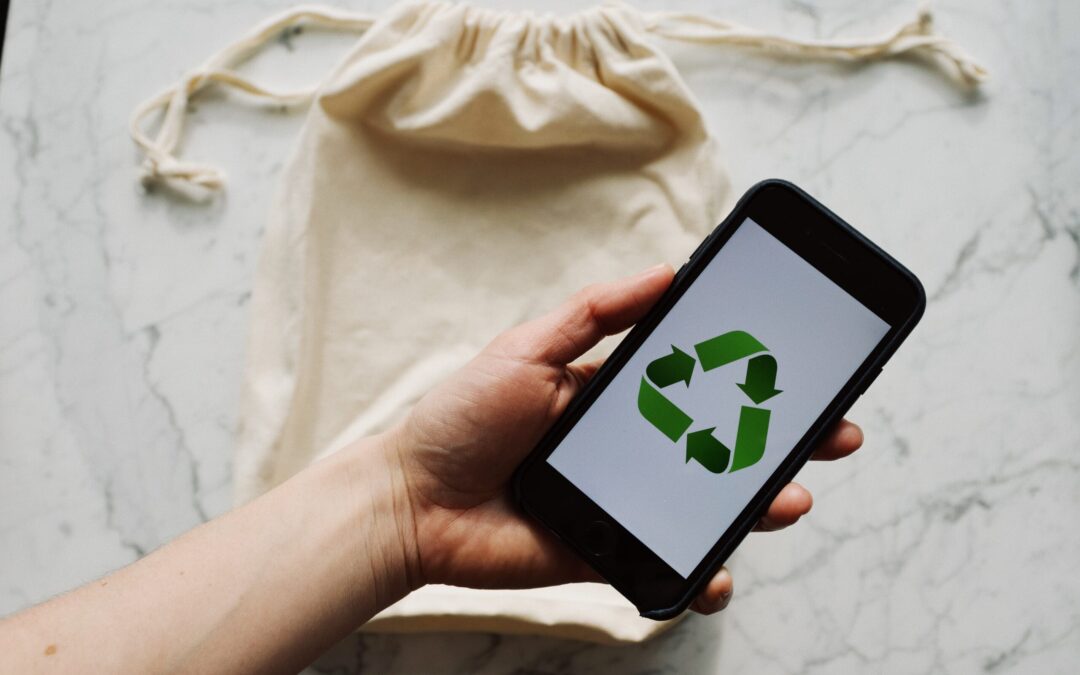
In our tech-driven world, electronic devices have become indispensable. But with constant upgrades, what happens to the old gadgets? They tend to pile up and eat up storage space. But you can’t just throw them in the trash. E-waste poses a significant environmental threat if not disposed of responsibly.
E-waste is a term that refers to electronic devices that are no longer useful or wanted. These include things like:
- Computers
- Laptops
- Smartphones
- Tablets
- Printers
- Cameras
- TVs
- and more
E-waste can contain hazardous materials. Such as lead, mercury, cadmium, and brominated flame retardants. These can harm the environment and human health if they are not disposed of properly.
E-waste comprises about 70% of toxic waste. People only recycle 12.5% of it.
So, what can you do to responsibly get rid of e-waste at your home or office? Here are some tips.
1. Understand What Makes Up E-Waste
E-waste includes old computers, smartphones, printers, and other electronic devices. It also comprises batteries, chargers, and even cables. Understanding what makes up e-waste is the first step towards responsible disposal.
Most people simply aren’t aware of what e-waste includes. This is a big reason that most of it ends up in landfills. Which is not good for us or the environment.
2. Reduce Your E-Waste
The next step is to reduce the amount of e-waste you generate in the first place. This means buying only what you need. Also choosing durable and energy-efficient products. As well as extending the lifespan of your devices by repairing them when possible.
Before buying a new electronic device, ask if it’s necessary. Can more than one person share a company tablet, for example? In some cases, everyone in a family or office might not need a duplicate device.
3. Explore Recycling Programs
Many electronics retailers and manufacturers have recycling programs. Research local options. Retailers often collect old gadgets, ensuring they are recycled or disposed of properly. These programs are convenient and eco-friendly.
Here are a couple you can check out:
4. Use E-Waste Recycling Centers
E-waste recycling centers specialize in disposing of electronic devices safely. They dismantle gadgets, recycle valuable components, and dispose of hazardous materials responsibly. Locate a certified e-waste recycling center near you for proper disposal.
Here are a few sites where you can find recycling centers:
5. Consider Donating or Selling Functioning Devices
If your old devices are still functional, consider donating them. Many charities and schools accept functional electronics. Or you can sell them online through reputable platforms. This gives gadgets a new life and reduces e-waste.
Make sure you properly clean data from old devices first. You don’t want someone having access to your online banking app or all your family photos. Keep on reading for tips on doing this properly.
6. Dispose of Batteries Separately
Batteries, especially rechargeable ones, contain hazardous materials. Many retailers and recycling centers have dedicated bins for battery disposal. Always separate batteries from other e-waste for proper handling.
7. Try Manufacturer Take-Back Programs
Several electronic manufacturers offer take-back programs. When you buy a new device, inquire about their disposal programs. Some manufacturers take back old gadgets, ensuring responsible recycling or refurbishment.
8. Opt for Certified E-Waste Recyclers
When using e-waste recycling services, choose certified recyclers. Look for certifications like R2 or e-Stewards. These certifications ensure that the recycling process meets high environmental standards. As well as data security protocols.
9. Educate Your Office or Household
Awareness is key. Educate your office or household about the importance of responsible e-waste disposal. Encourage everyone to take part and follow proper disposal methods.
10. Repurpose or Upcycle
Get creative. You can often repurpose or upcycle old electronics. Turn an old computer monitor into a digital photo frame. Use smartphone parts for DIY projects. Upcycling reduces waste and adds a touch of innovation.
11. Encourage Manufacturer Responsibility
Support companies that take environmental responsibility seriously. Choose products from manufacturers committed to sustainable practices and responsible e-waste management.
Make Sure to Secure Data Before Disposal, Sale, or Donation
Before parting with your devices, wipe all data. Otherwise, you could become the victim of cybercrime. It’s not unusual for criminals to troll dumps for old electronics. Remove all traces of your data to keep yourself protected.
Use reliable data erasure software. Or consult with an IT professional to securely wipe information from old gadgets. Data security is crucial even in disposal.
Get Help Backing Up & Cleaning Devices
It’s important to both back up and remove all data from devices before you get rid of them. We can help with expert data migration from the old device to the new one. As well as thorough data cleaning to ensure all information is removed.
Give us a call today to schedule a chat.
This Article has been Republished with Permission from The Technology Press.


Recent Comments